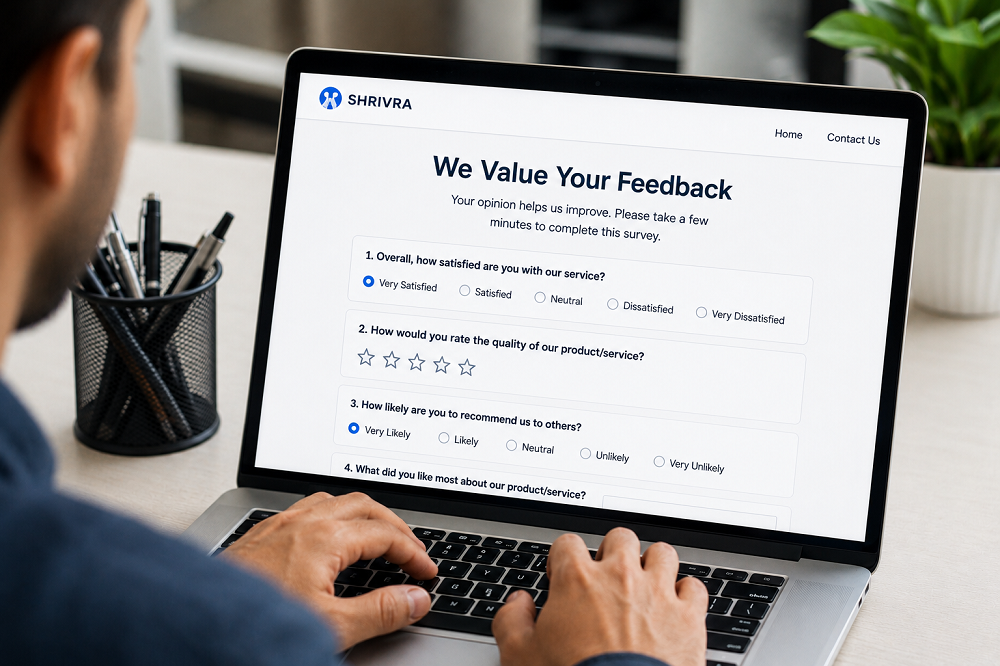
The best time to connect with a customer is right away. By the next day, their interest has already dropped, and the moment has passed.
That’s why kiosk feedback software can be a valuable tool for businesses that require highly accurate, real-time feedback from customers. You can get an accurate picture of how the customer feels right after the transaction without having to wait hours for an online survey to be submitted. You get a true view of the customer’s experience when they leave a service desk, when they finish a transaction or when they walk out of a store, rather than waiting hours for them to complete an online survey.
This type of real-time customer feedback isn’t just convenient; it’s essential for businesses with extensive customer traffic like healthcare clinics, government service centers, quick-service restaurants, retail stores and airports. It can be a matter of life and death if a problem with a service is found right away or is overlooked.
What Is a Feedback Kiosk?
A feedback kiosk is a physical or semi-permanent touchscreen or tablet displayed at a convenient location that asks the customer to provide feedback as soon as the interaction has taken place. The software manages the device, capturing, sorting and delivering the data to a central dashboard for managers to view and respond to.
The arrangement of parts is deliberately simple. Most feedback kiosks ask 1-3 questions and offer larger and easy-to-tap answers. The fewer taps, the higher the rate. An effective kiosk placed near the checkout counter or service exit can obtain a 30-60% response rate; this is much higher than later email or web-based surveys.
In addition to ratings, a lot of customer feedback systems also record follow-up comments, enable customers to specify staff members or departments to which feedback is directed, and allow for the incorporation of timestamps to correlate feedback with operational events like shift changes, peak hours, or promotions.
Why Point-of-Service Feedback Matters
Customers reporting on a delayed survey shouldn’t be confused with what they actually felt when the survey was done.
A business that is only listening to online reviews or follow-up emails is only hearing what customers say after the fact and only from a small percentage of those who are willing to leave a review. Only the most motivated customers – typically very happy or very unhappy – take the time to respond. The bulk of the middle range says nothing.
A feedback kiosk is capturing that silent majority. It proactively invites the customer’s feedback while the customer is still present, active and emotional about the interaction just experienced. This type of information you collect is much more representative of how well you serve customers.
This is important for companies that require scheduled delivery at different shifts, staff, or locations. To provide the best customer experience management at this level, it is essential to get granular data in a timely fashion. If not, managers are dealing with complaints instead of managing service quality.
Key Features of an Effective Customer Feedback System
Not all kiosk setups deliver equal value. The hardware matters less than the software running it. Here is what a well-built customer feedback system should include:
- Simple, customisable survey design that allows you to change questions without technical help
- Real-time alerts that notify managers when a negative score is submitted
- Timestamp and location tagging that links each response to a specific time, shift, or team member
- Trend reporting that shows satisfaction patterns over days, weeks, and months
- Multi-language support for businesses operating in diverse communities
- Cloud-based dashboard access so managers can view results from any device, anywhere
The ability to filter feedback by staff member, location and time of day is particularly useful. When the scores of satisfaction consistently fall between lunchtime (12 pm to 2 pm on working days), this is a clear indication of a staffing or workflow issue at lunchtime. It is this detail that makes the feedback kiosk more than a listening device; it becomes a tool for active service management.
Industries That See Strong Results
Almost any business with a physical customer interaction point can benefit from kiosk-based feedback collection. Some sectors see particularly strong results.
Healthcare and clinics
Use feedback kiosks to measure patient satisfaction after consultations or procedures. The data helps administrators identify waiting time issues, communication gaps, and facilities concerns before they escalate into formal complaints or negative reviews.
Retail and supermarkets
Install kiosks at checkout counters to measure satisfaction with checkout speed, staff’s helpfulness and availability of products. This feedback is immediate, allowing managers to have actionable data within hours instead of days.
Government and public services
Face high volumes of citizen interactions daily. Kiosk feedback systems allow service managers to monitor satisfaction across counters and floors, making it easier to allocate resources and address bottlenecks in real time.
Hospitality and food service
Businesses benefit from moment-of-experience feedback that reflects the quality of a meal, a room, or a service encounter while the customer is still on-site.
Acting on Real-Time Customer Feedback
Feedback in real-time only adds value if there is a response process in place for your team. A practical approach to making kiosk data count for service improvement:
- Establish low-score notifications. The manager responsible for the customer should get a notification when the customer rate is less than a set threshold. This gives the chance to solve the problem in the building.
- Check shift-level reporting on a daily basis. Search for patterns associated with staff members, time of day, or number of service counters. Small problems turn into persistent trends if they aren’t addressed on a daily basis.
- Communicate weekly summaries with the team. The frontline workers should be aware of how they are being evaluated. Sharing feedback data is transparent and blame-free to improve through awareness.
- Make comparisons across time. The best way to use real-time data is with historical performance. Comparing your service changes from one month to the next can give you an idea of whether you’re seeing any effects.
Building a Culture That Uses Feedback Well
A kiosk feedback system can be implemented relatively easily. Building the culture that makes that data a tool for decision-making on a day-to-day basis is the more challenging and significant part.
Feedback that is heard daily, shared openly with teams and linked to operational outcomes is the most effective in terms of sustained improvement. Organizations that merely solicit feedback but do not follow up to make any changes are unlikely to improve. It is a habit and not a project for successful businesses.
Begin at one site, one service counter. Collect the data for 30 days. Hold a team review. Apply the lessons learnt to implement one specific change. Then measure again. The iterative nature of this process will help build trust in the data and foster momentum for more implementation throughout your operation.
Conclusion
To get customer input when they are still in service is one of the surest ways to help enhance the service you provide and the consistency of service you provide. This is possible without complicating daily workflows with the help of kiosk feedback software. Smart Reviews is a cloud-based business solution that gathers real-time customer insights from both physical and digital service touchpoints for those companies that are ready to embrace a more responsive and data-driven CXM (Customer Experience Management) strategy.