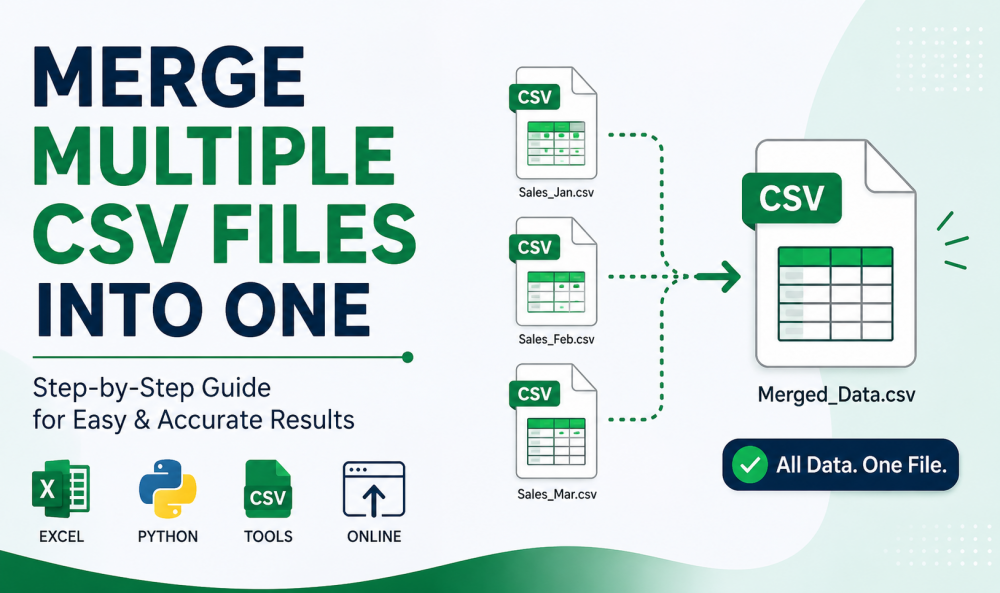
Summary: If you are facing difficulty in managing multiple CSV files and are looking to combine them? Then you have come to right blog. In this article, we will tell how a user can easily merge multiple CSV files into one file without losing any important data. Whether you are dealing with large datasets having duplicated entries or unstructured data. Then you can easily fix it by following this guide. If you are a marketer or developer, merging files helps to enhance workflow and improve time management. Without wasting any further time, let’s get to this blog.
Why Merge Multiple CSV Files into One?
Before any user jumps into solution, it is important to know root cause for merging CSV file. Here are some of them listed below:
- Centralised data management
- Enhanced analysis
- Time efficiency
- Better organization
This can help users to choose right approach for faced problem.
Best Method to Merge Multiple CSV Files into One
In the following section, we have mentioned some easy and simple solutions that can help you in resolving their challenges.
- Using Command Prompt
- Try MS Excel
- Using Python
- Online Tools
- SysTools CSV Merger Tool (Recommended)
Let’s explain these above solutions one by one.
Method 1: Using Command Prompt
If one is comfortable using simple and basic commands, then this solution is for them, which give instn adn effective results.
Steps:
- Put every CSV File into one single folder
- Open Command Prompt
- Navigate to folder using command
Pros:
- Quick and Easy
- No other tools required
Cons:
- This might create duplicate headers
- Not ideal for complex combing process
Method 2: Try MS Excel
One of accessible tools for merging CSV files into one is Excel.
Steps:
- Open Excel
- Nav to data > get data > from file > from folder.
- Choose folder which having CSV files.
- At last, tap Combine and load button.
Pros:
- Easy to operate interface
- Ideal for small datasets.
Cons:
- Very time taking with complex or large files
- No automation
Method 3: Using Python
This process is for high end developers or those who have technical knowledge for operating Python.
Pros:
- Full control of the operator
- Easily handle large CSV datasets
Cons:
- Technical skills are necessary
Method 4: Online Tools
If one does not want to use above or manual method, then one can use some of online tools that can easily merge multiple CSV files into one.
Steps:
- Add your CSV file
- Choose Merge Option
- Finally, click on download button to save your combined file.
Pros:
- No installation required
- Easy and instant solution
Cons:
- There are file size restrictions
- Breach data security and privacy
Method 5: Professional Software
We recommend using an automated professional tool, which is most reliable a nbd secure approach, and that is SysTools CSV File Merger Tool.
Benefits:
- Can effectively bulk merge CSV files.
- No chance of losing data
- Preservs data stcutre and format
- Manages large CSV files
It is ideal for all businessmen, organizations, professionals, IT admins, and experts who are dealing with CSV files.
Why Users Should Merge CSV Files?
- Data received in multiple parts
- Structured data for systematic report
- Remove unwanted data entries
- Making data for uploading into big datasets.
Real World Use Case
Some of scenarios listed below:
- Ambering survey results
- Merging user dataset from various platforms
- Combining weekly or monthly sales reports
Conclusion
One must have finally merge multiple CSV files into one after reading this article. Managing CSV files is never complex, but it is as easy as you choose right solution for right problem. Trying Excel for ease of use, Python for automation, and lastly, a dedicated software for professional use. I hope you have solved your problem.