Keeping files safe sounds simple until something actually goes wrong — a failed update, accidental deletion, disk issues, or simply realizing there’s no recent backup available.
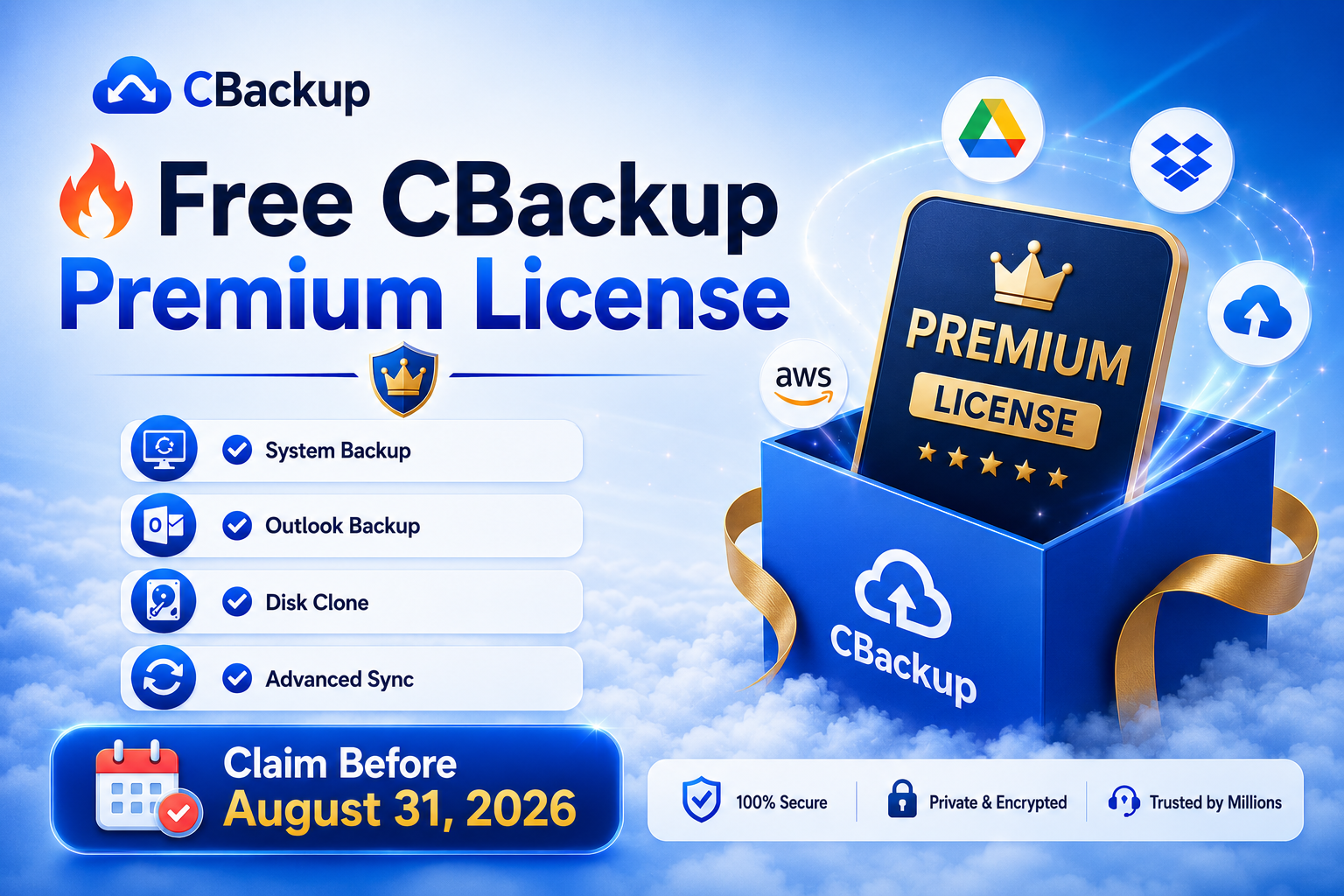
For users who want a more flexible backup solution without spending time configuring complicated workflows, CBackup is currently running a limited-time giveaway that unlocks Premium access at no cost.
What Is CBackup?
CBackup is a Windows backup and synchronization tool designed for users who want to protect files, system data, and storage devices with less manual work.
Unlike traditional backup tools that focus on only one scenario, CBackup combines local backup, sync, migration, and recovery features in a single application.
It can be useful for everyday users managing personal files as well as people maintaining multiple PCs or external drives.
Key Features of CBackup
System, Disk & File Backup
Create backups for individual files, entire folders, complete disks, or even your operating system. This makes recovery easier if something unexpected happens.
Advanced Sync Modes
Keep folders updated across locations with flexible synchronization options for different workflows.
Outlook & Email Backup
Protect mailbox data and avoid losing important emails or account information.
OS Migration & Disk Clone
Move your operating system or clone disks without reinstalling everything from scratch.
Fast Backup & Restore
Designed to reduce waiting time during backup creation and recovery.
Smart File Filters
Choose exactly what gets included or excluded to avoid unnecessary storage usage.
What You Get in This Giveaway
For a limited time, users can claim a FREE Premium Membership and unlock premium functionality without payment.
Included benefits:
- Free access to Premium membership
- Full Premium features unlocked
- Faster task processing
- Priority customer support
- 100% free to claim
Official giveaway page: https://apps.cbackup.com/giveaway-ipt
Who Might Benefit Most?
This offer may be worth checking if you:
- Keep important work or personal files on Windows PCs
- Regularly move data between drives
- Need a backup solution without complex setup
- Want an extra recovery layer before system changes
- Prefer automated backup instead of manual copies
Final Thoughts
Backup tools usually become important only after data is lost. Setting up a backup routine ahead of time can save hours of recovery work later.
Since this giveaway includes Premium access for free, it’s a practical opportunity for anyone curious about trying a more complete backup and sync workflow without committing upfront.
Giveaway ends on August 31.