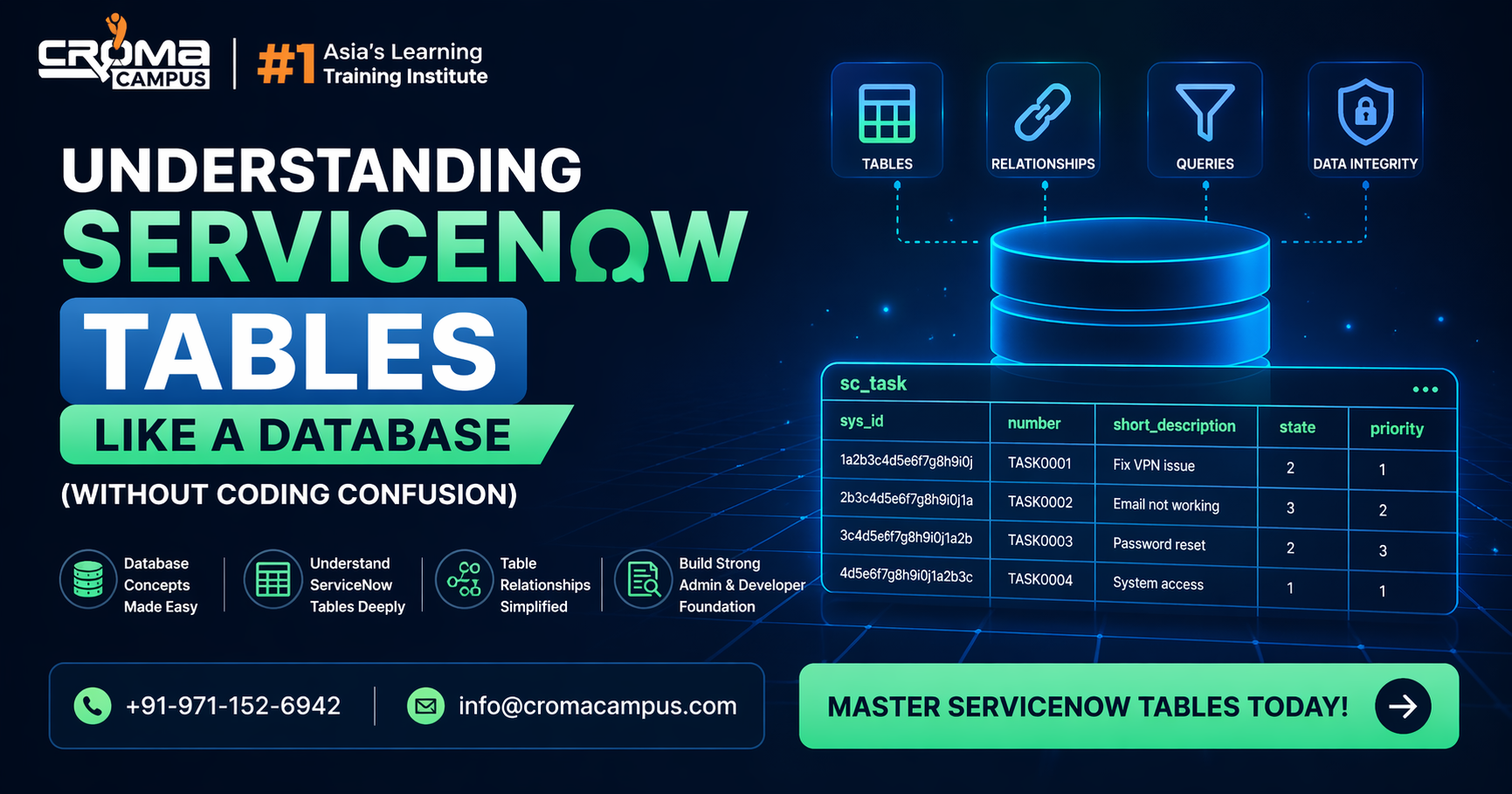
ServiceNow runs on data and that data sits inside tables. That is the simple truth. If you understand tables, the whole system starts making sense. Every form you open, every ticket you create, every update you make, all of it goes into a table. When people start learning in ServiceNow Classes, this is the point where things slowly become clear. Instead of clicking around without knowing what is happening, you begin to see how data is actually stored and used.
What a Table Means in Simple Terms?
A table is just a structured place where data is stored. It has rows and columns. Each row is one record. Each column is one field. That’s it.
But the important part is how this structure is used:
- one table holds one type of data
- each record is separate but follows the same structure
- fields decide what kind of data is allowed
When you go through a ServiceNow Course, you realize that every module is built on top of this same idea. Nothing works without tables.
Table Structure and How It Works
Each table is not random. It is properly defined. This is controlled by something called the dictionary. It decides what each field will do.
In simple terms:
- field type controls what you can enter
- rules decide if a field is required
- default values fill data automatically
If the structure is not planned well, data becomes messy. That is why people in a ServiceNow Admin Course spend time getting this right from the start.
Table Extension Made Easy
ServiceNow uses a smart way to reuse data. This is called table extension.
What happens here:
- one main table has common fields
- other tables use those fields
- no need to create everything again
This keeps things clean and simple.
Instead of repeating the same fields again and again, the system shares them. This is a basic but powerful concept you learn in ServiceNow Classes.
Fields Are More Important Than They Look
Fields may look small, but they control everything inside a table.
Each field:
- stores one piece of data
- follows a type like text or number
- can be required or optional
If fields are not set properly, users face problems while entering data. That is why a ServiceNow Course always covers field setup in detail.
Reference Fields and Data Connection
Reference fields connect tables. This is how data talks to each other.
Instead of copying data again and again:
- one table stores it once
- another table links to it
This makes the system:
- cleaner
- faster
- easier to update
This topic becomes very important in a ServiceNow Admin Course, because real systems depend on connected data.
Quick View of Table Components
| Component | Simple Meaning |
| Table | Where data is stored |
| Record | One row of data |
| Field | One column |
| Reference Field | Link to another table |
| Dictionary | Controls field rules |
| Index | Helps data load faster |
This is the basic structure behind everything you see on screen.
Dictionary Controls Everything
The dictionary works in the background but controls all field behavior.
It decides:
- what type of data is allowed
- how long the data can be
- who can see or edit it
If something goes wrong with a field, the first place to check is the dictionary. This is why learners in ServiceNow Classes are trained to always look here before making changes.
Getting Data Without Coding
You do not need SQL to get data in ServiceNow. You can use filters.
You can:
- add conditions
- combine filters
- sort results
This works like a query but feels simple. In a ServiceNow Course, this becomes a daily practice because it saves a lot of time.
Performance Depends on Table Design
If tables are not designed properly, the system slows down.
To keep things smooth:
- avoid adding too many fields
- use indexes where needed
- keep data clean
- do not repeat the same data
These things may look small but matter a lot. That is why performance basics are part of every ServiceNow Admin Course.
Custom Tables and When to Use Them
Sometimes you need your own table. That is when custom tables come in.
They are useful when:
- existing tables do not fit
- data is completely different
- new processes are needed
But there is a catch:
- too many custom tables create confusion
- poor planning causes problems later
This balance is explained clearly in ServiceNow Classes.
Learning with Real Practice
In training programs like Servicenow Course in Noida, the focus is more on doing than just reading. You work on tables directly. You see how data moves. You fix issues.
The practice usually includes:
- creating tables
- linking tables
- checking data flow
This kind of learning makes things stick better.
Real Work Understanding
A good Servicenow Course in Noida does not stop at basics. It helps you understand how tables behave in real projects.
You get to:
- handle real data problems
- fix wrong field setups
- improve system speed
This is where your understanding becomes strong and practical.
Common Mistakes Beginners Make
Many people face issues because of simple mistakes:
- adding fields without thinking
- not using reference fields
- ignoring table extension
- not checking field rules
These mistakes create trouble later. Learning through a proper ServiceNow Admin Course helps avoid them early.
Key Takeaways
- tables store all data in ServiceNow
- fields define how data is stored
- table extension avoids repetition
- reference fields connect data
- dictionary controls field behavior
- filters help get data without coding
- good design keeps system fast
- custom tables should be planned
Sum up,
Once you understand tables, ServiceNow stops feeling confusing. Everything connects back to data. Tables, fields, and links form the backbone of the system. You do not need coding to manage this, but you do need clarity. When your basics are strong, your work becomes easier. You can fix issues faster. You can design better systems. With steady practice and the right learning path, you can handle ServiceNow tables like a proper database and work with confidence in real situations.