Somewhere between the podcast episode you’re editing, the voice memo your phone stubbornly saves as M4A, and the WAV file your recording software just spat out, you’ve probably hit the same wall a lot of people hit every week: the file you have isn’t the file you need. That’s really why a solid audio converter has quietly become one of the most-searched tools online right now.
Why Audio Conversion Is Having a Real Moment in 2026
Audio content isn’t a niche interest anymore. Global monthly podcast listenership has climbed past 670 million people, and digital audio as a category is growing roughly 2.5 times faster than overall media spending. Add in how many podcasters now lean on AI for editing, transcription, and post-production, and the math is simple: more raw audio, in more formats, moving between more apps than ever before. The AI transcription market alone is on pace to roughly quadruple over the next several years, which says a lot about how much recorded audio is being created, repurposed, and shuffled between tools right now.
Voice memos land as M4A. Recording software exports WAV. Video editors want MP3. Some transcription tools prefer FLAC or OGG for accuracy. If you make, edit, or just organize audio — professionally or just for fun — you’re going to need a dependable free audio converter online, probably sooner than you think.
Who Actually Reaches for an Audio Converter
It’s not just musicians and audio engineers anymore. Podcasters trimming a raw recording, students converting lecture audio so it plays on every device, remote teams turning meeting recordings into shareable clips, and everyday people converting a voice memo before sending it in an email all run into the same format mismatch. Even something as simple as sending a voice note to someone who needs an MP3 for a video project can turn into an unnecessary fifteen-minute detour without the right audio converter on hand.
The Problem With Most “Free” Online Converters
Here’s the part most sites don’t lead with: the majority of online audio converters make you upload your file to their server before anything happens. Your recording — a private voice note, an unreleased track, a confidential interview — travels across the internet, sits on someone else’s storage, and gets deleted “eventually,” which is their word, not a guarantee.
That’s exactly why browser-based, upload-free tools keep showing up in privacy-focused discussions across Reddit and other forums. When conversion happens locally, right inside your browser tab, your audio never leaves your device. Nothing to store, nothing to leak, nothing to “eventually” clean up.
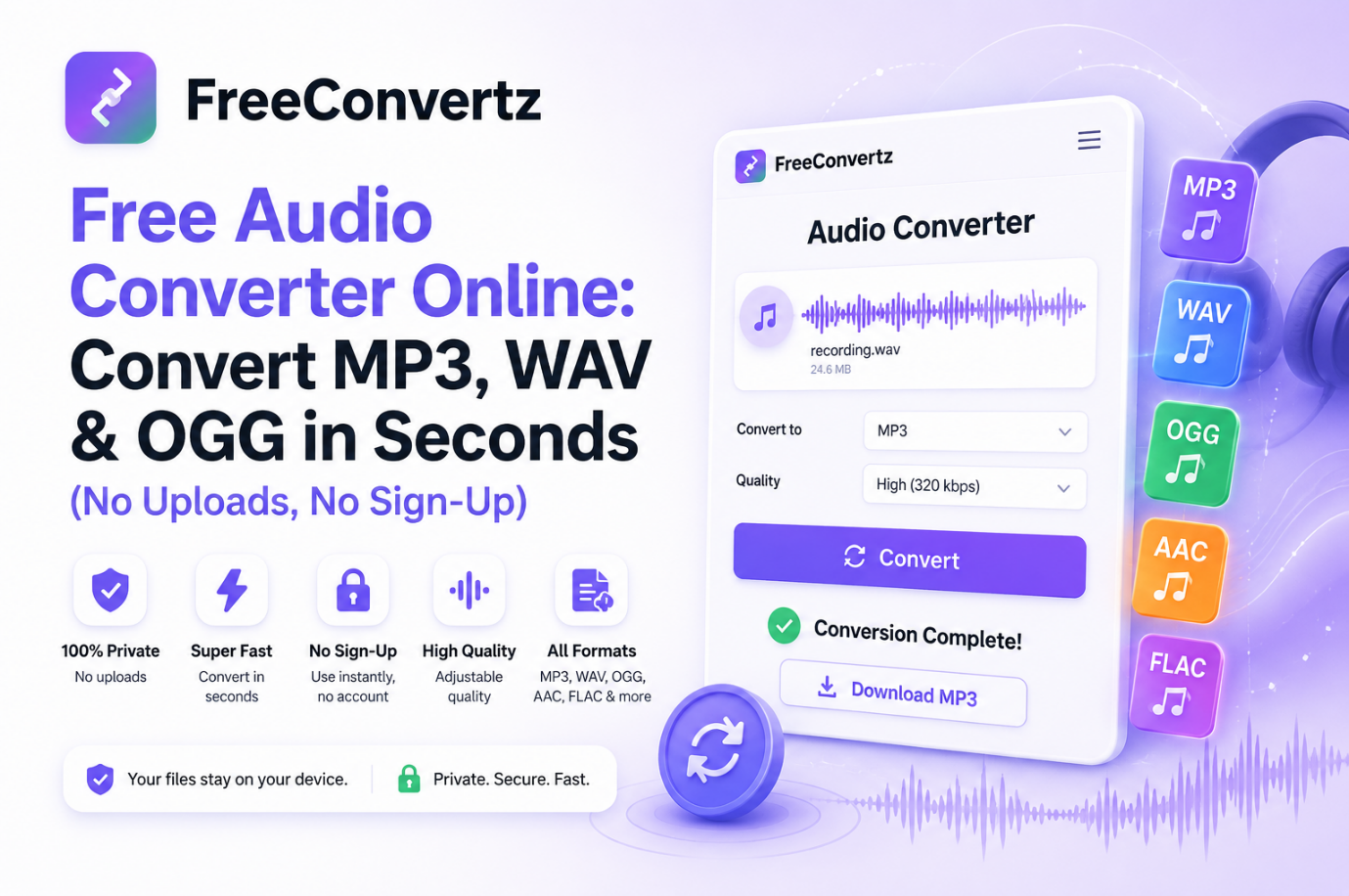
This is how the FreeConvertz Audio Converter works. It runs entirely in your browser, converts the file on your own machine, and never sends your audio anywhere.
How to Convert Audio Files Online, Step by Step
Converting audio shouldn’t need a manual. With the right tool, it’s four steps:
- Open the audio converter and drop in your file — MP3, WAV, OGG, AAC, FLAC, M4A, and WMA are all supported.
- Pick the output format you actually need.
- Choose a quality setting — low, medium, or high — depending on whether file size or fidelity matters more.
- Hit convert and download. Since everything runs locally, most files finish in seconds, not minutes.
No account. No watermark. No forced newsletter sign-up just to get your own file back.
MP3, WAV, OGG, or FLAC — Which One Do You Actually Need?
Picking the wrong format is the single most common mistake people make when they convert audio online.
MP3 is still the internet’s default. Small, plays everywhere, and the safe pick for music, podcasts, and audiobooks.
WAV is uncompressed and lossless — the standard for studio editing. Convert to WAV before you edit, then compress once you’re done.
OGG frequently sounds better than MP3 at the same file size, which is why gaming and open-source communities favor it.
AAC is what Apple, YouTube, and most streaming platforms default to, usually beating MP3 at the same bitrate.
FLAC is the archiving choice: lossless like WAV, but noticeably smaller.
Still unsure? MP3 for sharing, WAV for editing covers most real-world situations.
Why FreeConvertz Keeps Getting Recommended
A handful of details separate it from the bigger, ad-cluttered conversion sites people are used to:
- No file uploads — conversion happens entirely in your browser
- No sign-up or account — open the page, start converting
- Every major format supported — MP3, WAV, OGG, AAC, FLAC, M4A, WMA
- Adjustable quality instead of one-size-fits-all output
- Genuinely free, with files up to 100MB
For anyone converting several voice memos back to back, prepping a podcast episode, or fixing a file their editing software refuses to open, that’s the difference between a five-second task and an annoying one.