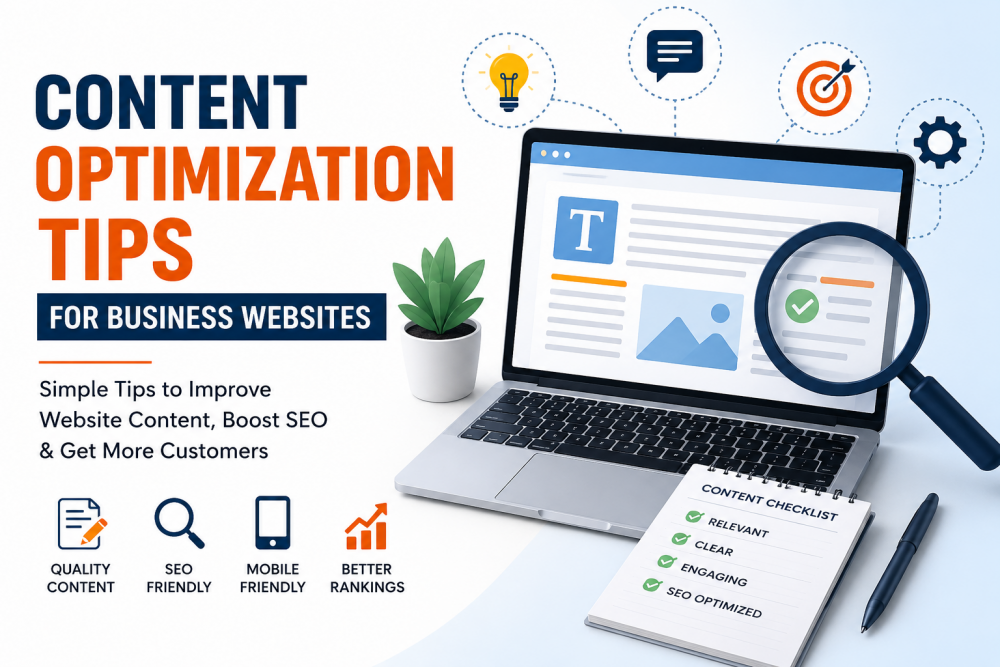
Many business websites do not get traffic because the content is weak or unclear. Some pages are too short. Some use too many keywords. Some try to sound professional but end up sounding confusing. Good website content should be simple. Visitors should quickly understand what the business offers and what they should do next.
Here are simple tips to improve business website content.
Write Like You Speak
Many websites use difficult words that normal people never use. This makes the content hard to understand. Many businesses now use trusted content writing services in Gurgaon to create website content that sounds clear, simple, and easy for visitors to understand.
Instead of writing:
“We provide advanced digital solutions for modern businesses.”
Write:
“We help businesses improve their website and get more customers.”
Simple sentences sound more natural.
They are also easier to read.
Explain the Service Quickly
People do not want to search through long paragraphs to understand your service.
Tell them clearly:
- what you do
- who you help
- how people can contact you
If someone visits your SEO page, they should quickly understand:
- what SEO services you offer
- how SEO helps their business
- what areas you work on
Do not hide important information inside long introductions.
Stop Adding Extra Words
Many websites add words just to make the page longer.
This creates weak content.
For example:
“We are committed to delivering quality solutions tailored to client success.”
This sounds vague because it does not explain anything properly.
Say exactly what you do.
Example:
“We improve website content so businesses can get more enquiries from Google.”
Clear writing works better.
Use Keywords Normally
Keywords matter, but too many keywords make content look spammy.
Do not repeat the same phrase in every paragraph.
Use related words naturally.
Instead of repeating:
“content optimization tips”
you can also write:
- website content tips
- SEO content improvement
- business website content
- website SEO tips
The page should sound natural when someone reads it.
Keep Paragraphs Short
Large text blocks are difficult to read.
Most people scan pages quickly.
Short paragraphs make content easier to follow.
This is also better for mobile users.
Use Clear Headings
Headings help visitors move through the page.
Good headings also improve page structure.
Examples:
- Improve Website Speed
- Write Better Service Pages
- Fix Weak Content
- Improve Mobile Readability
Avoid long or confusing headings.
Remove Repeated Information
Many websites repeat the same idea in different ways.
This makes content feel boring.
If one section already explains something clearly, do not explain the same thing again later.
Keep the page clean and direct.
Improve Old Pages
Old pages can lose rankings over time.
Update pages regularly.
Check for:
- outdated information
- broken links
- weak sections
- missing details
Sometimes small updates improve rankings faster than publishing new pages.
Add Internal Links
Link related pages together.
For example, a blog about content optimization can link to:
- SEO services
- content writing services
- local SEO services
This helps visitors find more information.
It also helps search engines understand your website better.
Use Proper Images
Large images slow down websites.
Slow websites frustrate users.
Before uploading images:
- reduce image size
- rename the file properly
- add alt text
Example:
Instead of:
image1.jpg
Use:
content-optimization-business-website.jpg
This also helps image search visibility.
Make the Website Easy to Read on Mobile
Most visitors use mobile phones.
If the page looks messy on mobile, people leave quickly.
To improve mobile readability:
- use short paragraphs
- add spacing
- avoid crowded sections
- keep text readable
Always check pages on mobile before publishing.
Write Better Titles
The page title is important because people see it in Google search results.
A weak title gets fewer clicks.
Keep titles simple and clear.
Example:
Content Optimization Tips for Business Websites
Avoid titles that sound exaggerated or confusing.
Add Clear Contact Options
Some websites forget to guide visitors.
People should quickly see what to do next.
Examples:
- Contact Us
- Get a Quote
- Call Now
- Send an Enquiry
Make contact buttons easy to find.
Improve Website Speed
A slow website creates a bad experience.
Common problems include:
- large images
- too many plugins
- poor hosting
A faster website keeps visitors on the page longer.
Add Real Information
People trust websites that sound honest.
Add useful details like:
- real services
- business information
- customer reviews
- contact details
Avoid fake promises and exaggerated claims.
Final Thoughts
Good website content should be simple and clear.
Visitors should quickly understand:
- what the business does
- how the service helps
- how to contact the company
Do not try to sound overly professional.
Use simple words, short paragraphs, and direct information.