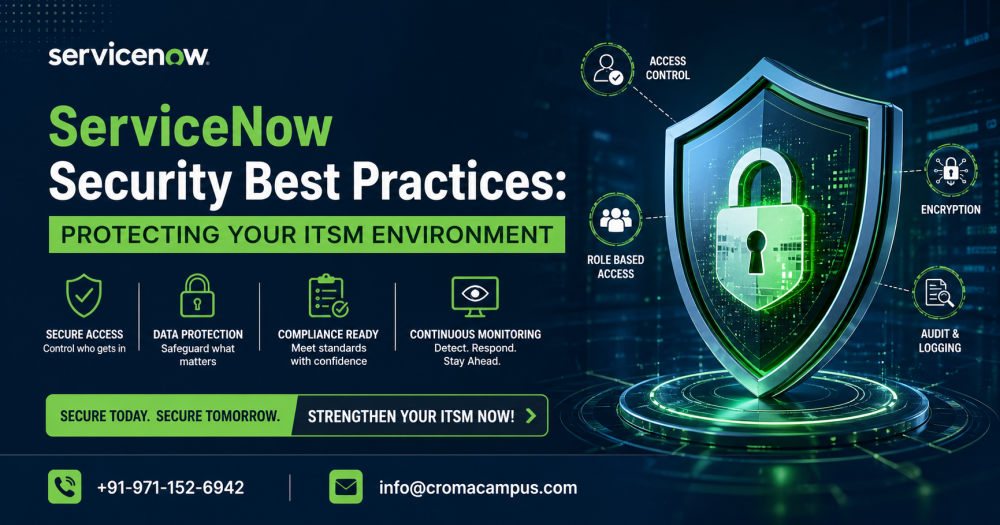
ServiceNow is considered one of the great CRM platforms. Well, its users put a lot of information in one place. Also, it can handle everything from employee IT problems to sensitive company data. As a huge amount of the data is stored there, it is hard to keep the system secure, which is a top priority nowadays.
Whether you are just looking to begin your career, taking the ServiceNow Course can help you learn the most important skills ever. Here, we have discussed the guide that can be the best way to understand how to protect your ServiceNow environment. So let’s begin discussing this in detail:
Best ServiceNow Practices:
1. Control Who Can Get In
- Use Multi-Factor Authentication (MFA):
This requires the users to offer two forms of ID: a password and a code sent to their phone. It can be considered as a best way for stopping the hackers.
- Single Sign-On (SSO):
This lets users log in once to their company network and get into ServiceNow automatically. It’s safer because when someone leaves the company, their access is turned off everywhere at once.
- Limit Admin Rights:
Many people are looking for the Admin powers, as it can help make their jobs easier. But this can be dangerous sometimes. Well, you can give the people specific permissions they need to do their work. All these things are covered while learning a ServiceNow Admin Course.
2. Check Your Security Settings Regularly
ServiceNow has a built-in tool called the Security Center. It acts like a health check for your system. It looks at your settings and gives you a score based on how safe you are.
You should regularly check for:
- Session Timeouts:
If a user is not using the system or has gone away, then the system should get logged out automatically after a few minutes.
3. Protect the Actual Data
- Encryption:
This encrypts your data so that it looks meaningless to anyone without the “key.” You should encrypt sensitive fields like home addresses or private financial notes.
- Data Masking:
For some employees, you might want them to see that a field exists but hide the actual content (like showing only the last four digits of a number).
4. Training and Knowledge
The platform changes fast. There are many of the new security features that get released every few months. So when you stay updated regarding the same is the only way to keep your system secure.
If you are looking for ServiceNow Classes or specialized ServiceNow Training in Noida, focus on courses that teach “Security Operations” or “Platform Hardening.” Understanding the technical side of the software is good, but understanding how to protect it is what makes a great administrator.
5. Lock Your Back Doors
ServiceNow connects to other software like email, HR systems, and databases. These connections are often called APIs, and they can be “back doors” if they aren’t locked. Instead of using a regular username and password for these connections, use digital keys called tokens. Also, make sure these connection accounts have very limited power. They should only be able to do one specific task and nothing else.
6. Clean Up Old Accounts
Over time, a ServiceNow system gets cluttered with “ghost accounts.” These are profiles for employees who left the company or contractors whose projects ended months ago. If these accounts stay active, then there is a chance of getting targeted by hackers. So make a habit of running the report every month to find and deactivate any account that hasn’t logged in for 30 or 60 days. It can help keep the system clean, as well as make it harder to break into.
7. Be Careful with Custom Code
One of the best things about ServiceNow is that you can write your own scripts to make it do new things. However, bad code can create big security holes. If you are taking a ServiceNow Admin Course, you will learn that you should always test new scripts in a “Sandbox” or “Dev” environment first. Never push new code directly into the live system where your real data lives without checking it for errors first.
8. Control Data Exports
It is very easy to click a button in ServiceNow and download a list of thousands of records into an Excel sheet. While this is helpful, it is also a security risk because once that data is on a laptop, the company loses control of it. You should restrict who is allowed to click the “Export” button. Only people who absolutely need to move data out of the system for reports should have this permission.
9. Stay Educated and Updated
Hackers are always looking for ways that can help them enter the system, and to protect from them, you may need to learn constantly. ServiceNow has implemented modern versions of its software twice a year. Well, these updates are about important security patches. If you attend ServiceNow Training in Noida, make sure that you get information about the latest “Vault” features and privacy tools. Staying informed is the best way to stay protected.
Conclusion:
If you are looking to secure ServiceNow, then you need to be careful regarding the access you offer to the employees. As we know, it is an ongoing journey; you need to be careful regarding using the built-in tools to check for weaknesses. If you find something strange, then keep monitoring it. By following all these steps, you can make sure that your company information is secure and private.