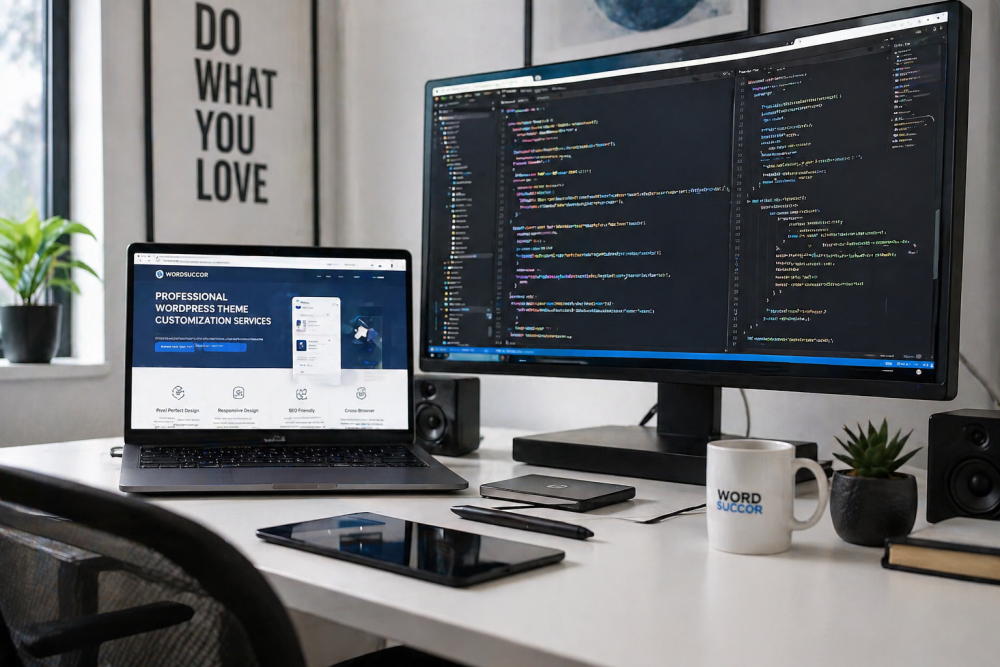
A default WordPress theme gets your site online fast. It looks clean and works well. But many site owners soon see a problem. Their site looks the same as thousands of others. You need a look that belongs only to your brand. You need advanced WordPress customization. These changes go beyond basic settings. They make your site stand out and work better for your visitors.
Thousands of Sites Use the Same Layout
Popular free themes get many downloads. A single layout can appear on thousands of websites. Visitors may not remember which site they visited. Your content deserves a container that feels fresh. Even small layout changes can set you apart.
Limited Control Over Design and Spacing
Theme options let you change colors and fonts. But you cannot move every element. You cannot change the exact space between sections. The header, footer, and post layouts stay fixed. This limits how your message flows across the page. You end up fitting your content into a box that does not quite fit.
Hard to Build Brand Recognition
A brand needs a consistent visual style. Logos, colors, and spacing all work together. A default theme may not match your brand guide. It can dilute the look you want people to remember. Custom design helps people recall your site quickly.
Advanced Customization Techniques That Make a Difference
To break free, you need methods that go deeper. These advanced WordPress theme customization techniques give you full control. They help you create a site that feels built just for you.
Custom Page Templates for Unique Layouts
A page template controls the layout for a specific page. You can build a template that uses a different header, no sidebar, or a full-width hero section. For example, a landing page can look unlike any other page on your site. You create a PHP file in your child theme folder, add a template name at the top, and write custom HTML and loops. This gives you total freedom to design key pages.
Custom Post Types for Unique Content
Regular posts and pages are not enough for many sites. You might need a portfolio, a team member list, or a product showcase. Custom post types let you manage such content with its own menu and fields. You create them with a small code snippet or a lightweight plugin. Then you design custom archives and single templates to display that content in a special way. This keeps your site organized and distinct.
Advanced CSS and JavaScript Tweaks
Some changes need visual effects or interactive elements. CSS can reposition items, add animations, or change hover states beyond the theme settings. JavaScript can create dynamic filters, smooth reveal effects, or custom sliders. You add these files through a child theme or a custom plugin. A few lines of code can turn a static section into an engaging experience.
Working with a Child Theme vs Custom Theme
A child theme inherits all the functions and styles of a parent theme. You add your own templates and code on top. The parent can update without losing your changes. This is safe and fast. A custom theme is built from scratch. It does not rely on any parent. It gives you the most flexibility but takes more time. For most sites, a child theme is the right balance. You keep the solid base and only change what you need.
Using a Page Builder vs Custom Code
Page builders let you drag and drop elements to build layouts. They are quick and no coding is needed. But they often add extra HTML and scripts. That can slow down your site. Custom code is lean. You write only what is needed. The page loads faster and the markup stays clean. If you have a developer, custom code is often the better long-term path. If you need to move fast and cannot code, a page builder works. Just watch the performance.
Performance Considerations for Custom Themes
Customization should not hurt speed. Well-written code keeps the site fast. Use minimal plugins. Combine CSS and JavaScript files where possible. Load assets only on the pages that need them. Optimize images and use caching. A fast custom site gives a better user experience and ranks higher in search results. Do not add heavy animations or huge libraries unless they truly add value. Always test your page speed after making changes.
How to Work with a WordPress Developer
You do not need to do all the code yourself. A good WordPress developer turns your ideas into clean code. Start with clear examples. Show sites you like and list the features you need. Write down the goals in simple words. Agree on the scope and the timeline. Ask for a child theme setup so future updates stay safe. Request that all custom code is well commented. After the work is done, ask for a small guide on how to manage the new features. Good communication makes the process smooth.
Conclusion
Your site does not need to look like thousands of others. With careful customization, you can own your design. Use templates, custom post types, and small code tweaks to build a look that matches your brand. Choose between a child theme or a page builder based on your needs. Keep performance in mind at every step. If you need help, a skilled developer can turn your vision into reality. Go beyond the out-of-box look and let your site show its true character.