Imagine it’s 6 AM Monday, and Sarah, a marketing director, is bleary-eyed, manually updating reports with yesterday’s data. Sound familiar? The grind of outdated dashboards and endless data pulls is a nightmare. Nobody has time for that.
This is where AI marketing analytics with GA4 and BigQuery comes into play. It is a game-changer that builds dashboards that update while you sleep. No more early mornings wrestling with spreadsheets.
In this guide, we’ll show you how to create a self-updating marketing dashboard that delivers real-time insights, saves hours, and keeps your campaigns sharp. Ready to ditch the manual chaos? Let’s dive in!
Why Manual Dashboards Are Killing Your Marketing ROI?
Manual dashboards are silently tanking your marketing ROI. Picture hours spent compiling data instead of strategizing—time you’ll never get back. One typo in a data transfer or a miscalculated metric, and your campaign insights are garbage.
Worse, stale data means you’re making decisions on last week’s reality, leaving you steps behind. In today’s fast-moving marketing world, AI marketing analytics flips the script. Real-time campaigns demand instant insights to pivot on the fly.
AI marketing analytics offers automated reporting that puts you ahead of the game. Consequently, it provides new data even if you are sleeping. Customers want real-time metrics, not apologies for being late.
Leave the manual hassles behind—those lost hours spent on spreadsheets and mistakes are costing you more than you realize. Use AI marketing analytics to unlock real-time insights and improve your ROI. Your campaigns deserve better.
The GA4 + BigQuery Power Combination
GA4 and BigQuery are a match made in AI marketing analytics heaven. GA4’s raw data export pumps real-time or daily insights into BigQuery’s beastly processing power, crunching complex calculations in a snap.
Real-time exports give instant updates but cost more; daily saves cash but lags slightly. GA4 streams data smoothly, though minor delays can hit—plan for freshness. Optimize costs by limiting queries and archiving old data.
Set up GA4 with Enhanced Ecommerce for richer metrics, create a BigQuery project with tight permissions, and budget for usage—small setups are cheap, but scale wisely. This combo revolutionizes AI marketing analytics, turning data into gold.
Building Your Self-Updating Dashboard: Step-by-Step
Fed up with managing multiple spreadsheets and looking for a more streamlined approach to marketing? Building a self-updating dashboard with GA4 and BigQuery will help automate things and get up-to-date data even if you are sleeping. The following are the key steps to build a self-updating dashboard for eliminating the pitfalls of manual spreadsheets and automating the process.
Step 1: Data Foundation Setup
Start by connecting GA4 to BigQuery in your Google Analytics account to export raw data. In BigQuery, structure datasets logically (think campaigns, events, users) for easy querying. Create calculated fields like conversion rates or custom metrics like engagement scores to supercharge insights.
Step 2: Dashboard Creation and Automation
Here’s where the magic happens. You’ve got three solid choices for bringing your data to life: Google Data Studio if you want something that just works, Looker if you’re ready to dive deep into advanced analytics, or Tableau if you want dashboards that make your CEO say “wow” in meetings.
The real game-changer? Writing SQL queries in BigQuery that automatically pull fresh data. Just think of these queries as your data bulters—they run in the background, serving you the latest data when you need it. Once these queries are connected to your visualization tool, you get a dashboard that visualizes information in a more sensible way, and that too in real time.
Schedule data updates to a daily or hourly timeframe, and you will be a marketer who always has the latest numbers at their fingertips. No more scrambling to update reports before the Monday morning meeting.
Step 3: Advanced Features and Customization
Now we’re talking about turning your dashboard into a crystal ball. Set up intelligent alerts that tap you on the shoulder when something’s off—like when your conversion rate takes an unexpected nosedive or your cost-per-acquisition starts climbing.
Here’s where AI marketing analytics gets really exciting: build attribution models that finally answer the age-old question of “which marketing touchpoint actually drove that sale?” Spoiler alert: it’s usually not the last click everyone gives credit to.
Add cohort analysis to watch how different customer groups behave over time, and calculate lifetime value so you know exactly how much you can spend to acquire each customer. It’s like having a financial advisor for your marketing budget.
This isn’t just a dashboard anymore—it’s your marketing command center. With AI marketing analytics powering your insights, you’re not just looking backward at what happened; you’re predicting what’s coming next and positioning yourself to win. Stop wrestling with spreadsheets and start building the system that runs itself.RetryClaude can make mistakes. Please double-check responses.
Your Flexible Dashboard, Your Edge
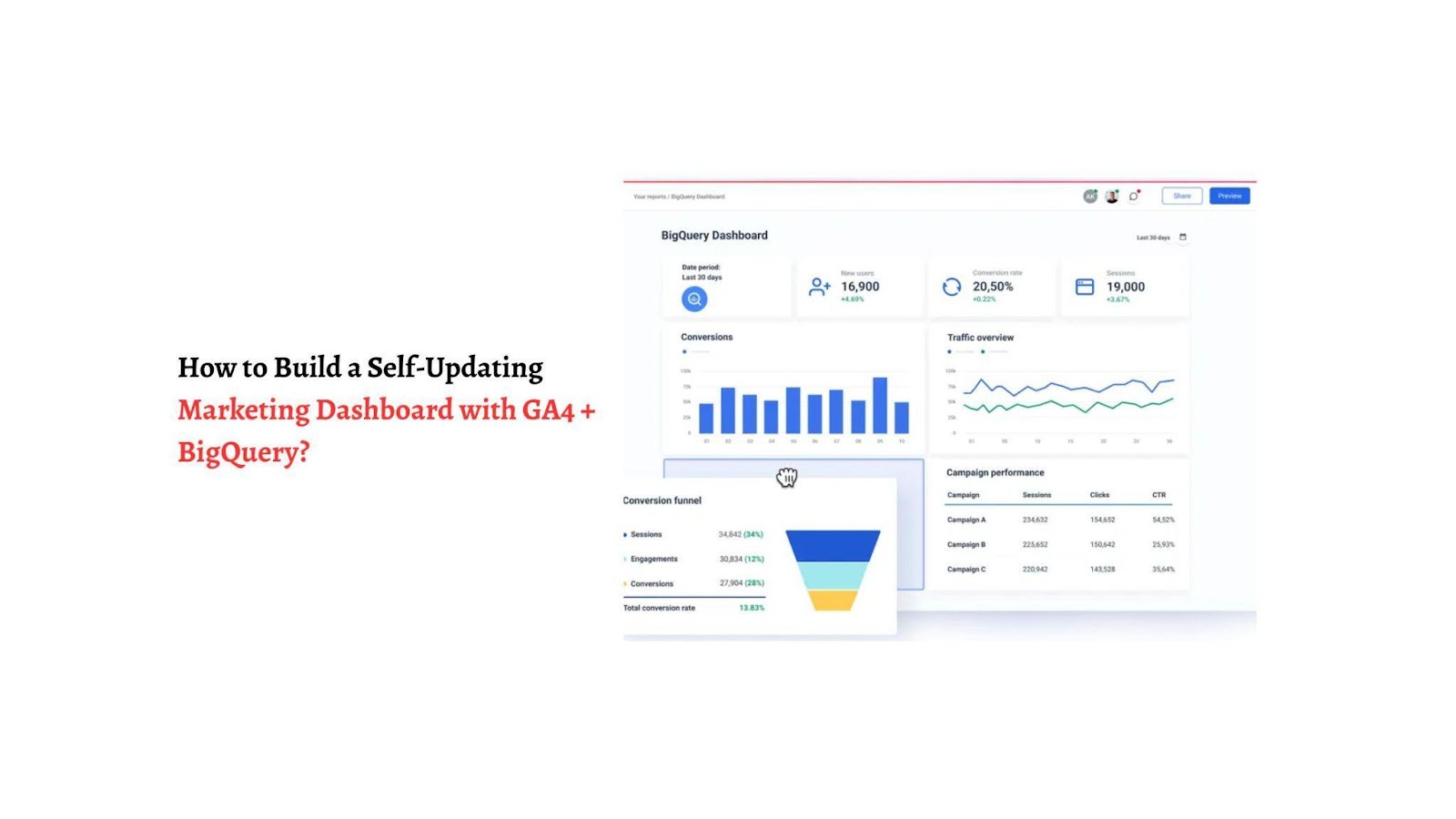
Want a clean and clutterless dashboard that offers up-to-date data? One that makes it simple for you to track significant metrics like revenue attribution by channel, customer acquisition cost changes, conversion funnel performance, and return on investment by campaign. With a self-refreshing marketing dashboard through integration with GA4 and BigQuery, this is achievable.
Avoid pitfalls by tackling data sampling in GA4 with BigQuery’s raw data power. Keep BigQuery costs low by archiving old datasets and limiting queries. Fix discrepancies between platforms by cross-checking data sources.
For optimization, monitor performance on large datasets, tweak queries for speed, and set up backups for disaster recovery. With AI marketing analytics, a lean, mean dashboard keeps you ahead. Stay sharp, optimize regularly, and let data drive your success!